Resting liquidity
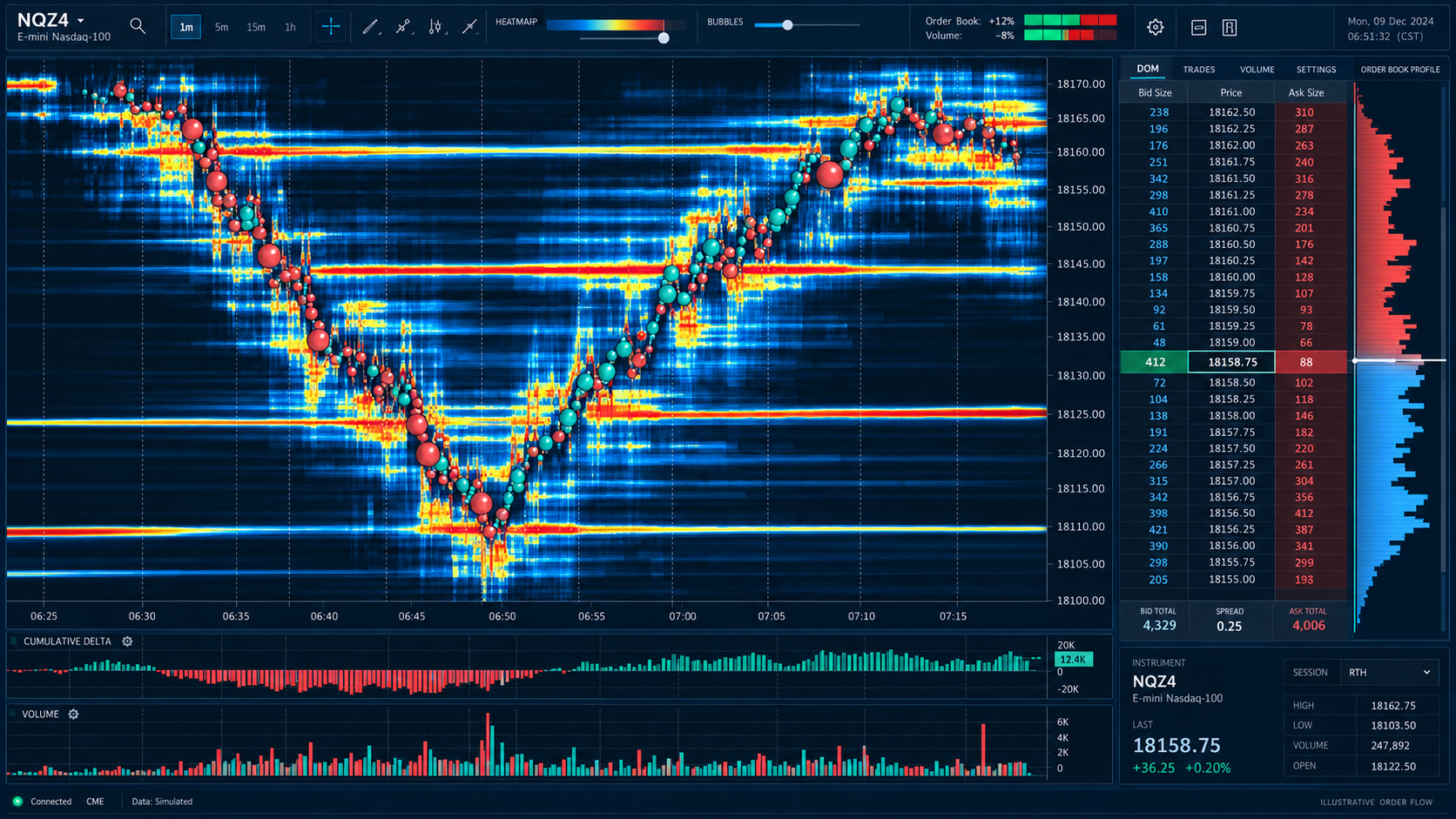
The heatmap visualises displayed orders over time. Resting orders can change or cancel; they are not the same as completed trades.
BOOKMAP ORIENTATION
If you already trade, you do not need to start over. First understand what the visual information represents, then decide how it fits your study.
READ THE INFORMATION
The heatmap visualises displayed orders over time. Resting orders can change or cancel; they are not the same as completed trades.
Volume dots represent transactions. Their size helps distinguish traded volume, but a single dot does not explain a whole setup.
Stops & Icebergs add context using compatible data. Learn what the exact indicator reports before interpreting it as a decision.
TWO DIFFERENT SETUPS
FOLLOW SCOTT’S SCREEN
Check that you can read the shared chart, hear the session and find the recordings. Ask about room access before buying your own charting stack.
BUILD YOUR OWN CHART
A compatible platform plan, market data and indicator licences may be separate. CME MBO data matters for the Stops & Icebergs On-Chart indicator.
Check official requirements↗Bookmap features depend on the data, platform version and add-ons. Use provider support for installation and compatibility questions.
YOUR NEXT STEP
Watch a public session, then decide whether the room fits your learning.
KEEP LEARNING
Get educational material, course news and updates about the live room.